Your Udemy™ transcripts and notes, as clean Markdown.
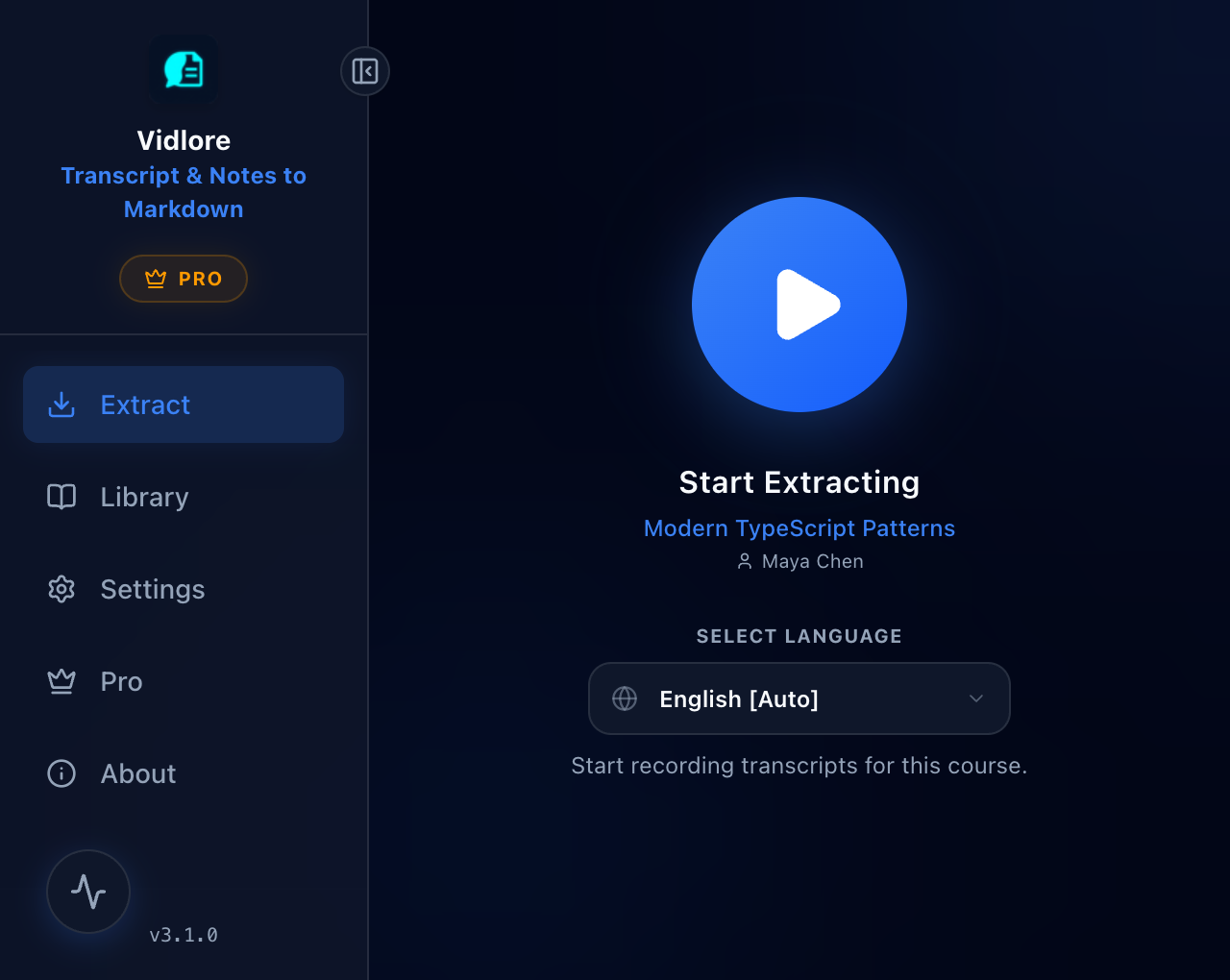
Vidlore extracts the transcripts, subtitles, and notes of the Udemy™ courses you're enrolled in to Markdown or TXT, ready for ChatGPT, Claude, Obsidian, or Notion. Then search them, make quizzes, and ask an AI tutor that answers from the lecture itself.
Chrome extension for Udemy™ learners
Modern JavaScript, from the ground up
Lecture 14: The event loop
04:09Promises work differently. Their callbacks go to the microtask queue.
04:15The microtask queue is always emptied before the next task starts.
04:22That's why this line prints before the timeout does.
why does the promise log first?
Best match at 04:15
NotePromise callbacks are microtasks. They run before setTimeout, even at 0 ms.
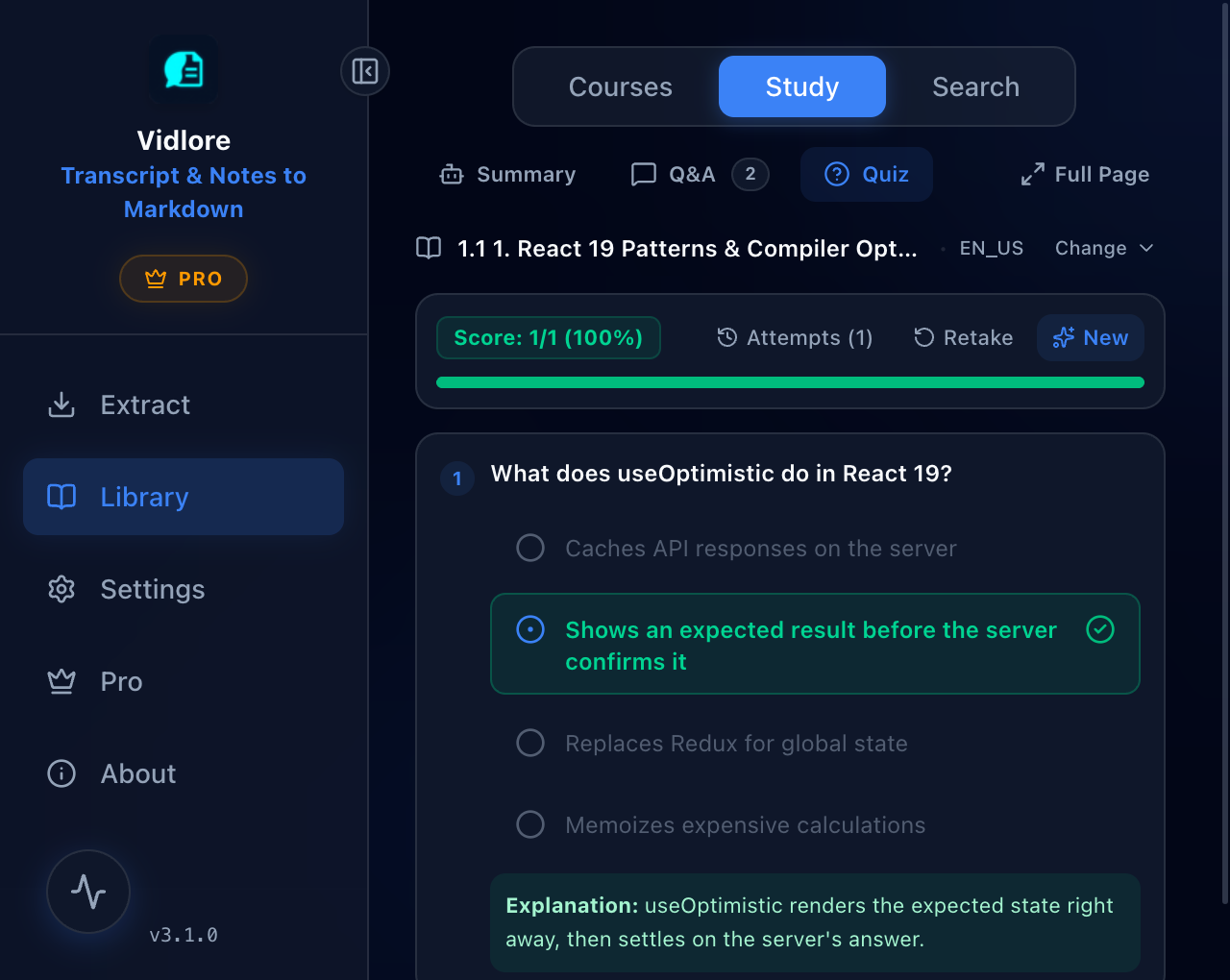
QuizAfter the current task, which runs first?
A setTimeout callback with a 0 ms delay
A resolved Promise callback
Whichever was queued first
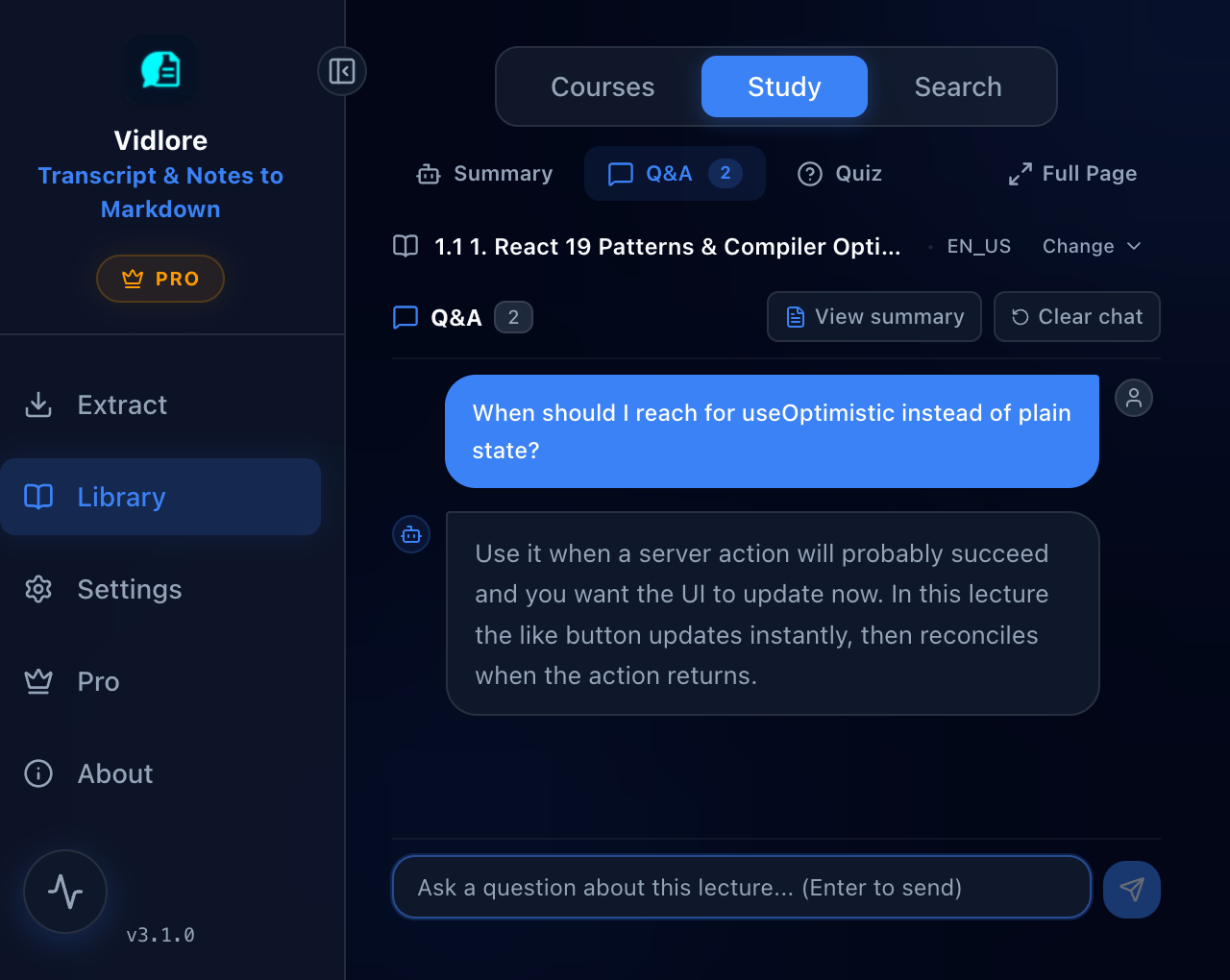
YouIs setTimeout(fn, 0) instant?
TutorNo. As the lecture explains, promise callbacks run before any timeout, even one at 0 ms. 04:15
See it in a real course
What Vidlore does
Keep the course
- Extract to Markdown
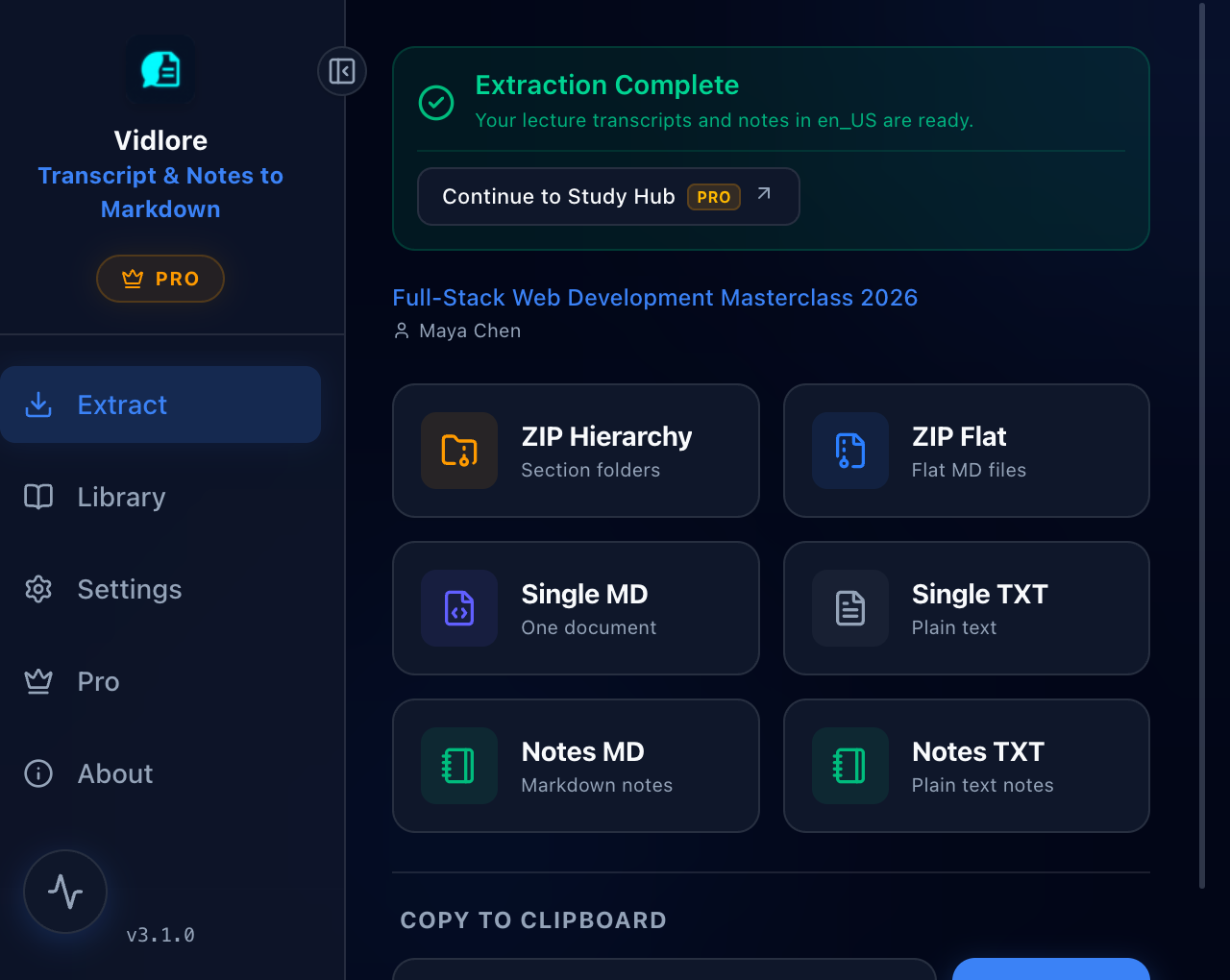
- Pull available course structure, captions, and your personal notes as Markdown or TXT, or a whole course as one ZIP.
- Ready for your AI and notes apps
- Paste clean context into ChatGPT, Claude, Obsidian, or Notion, and read it offline any time.
Find and ask
- Search by keyword or meaning
- Find the exact concept across your local course library.
- Grounded answers
- Ask questions about the lecture instead of starting an unanchored general-purpose chat.
Review
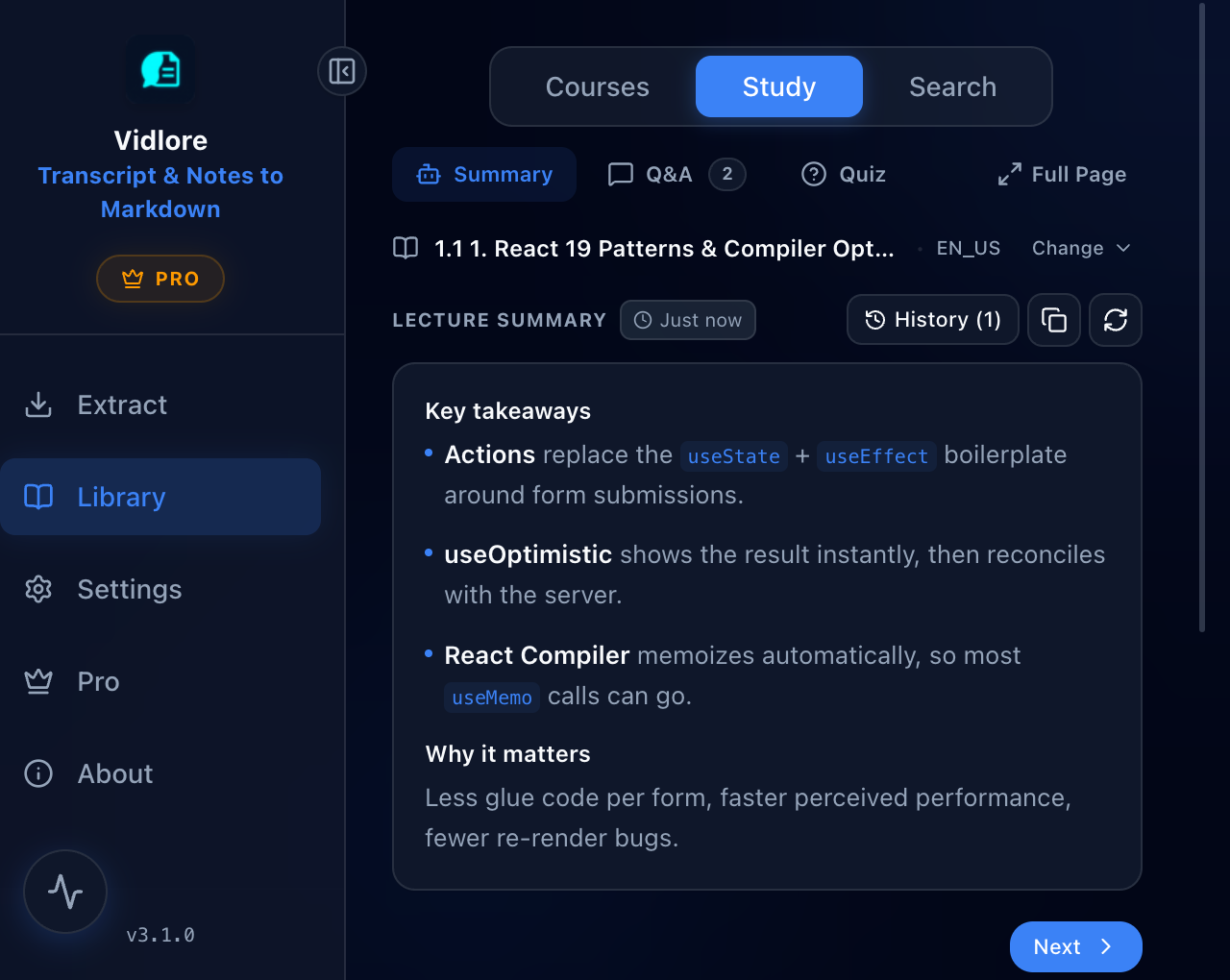
- Summaries and quizzes
- Generate summaries and quizzes from the course context you select.
Your course library stays in your browser.
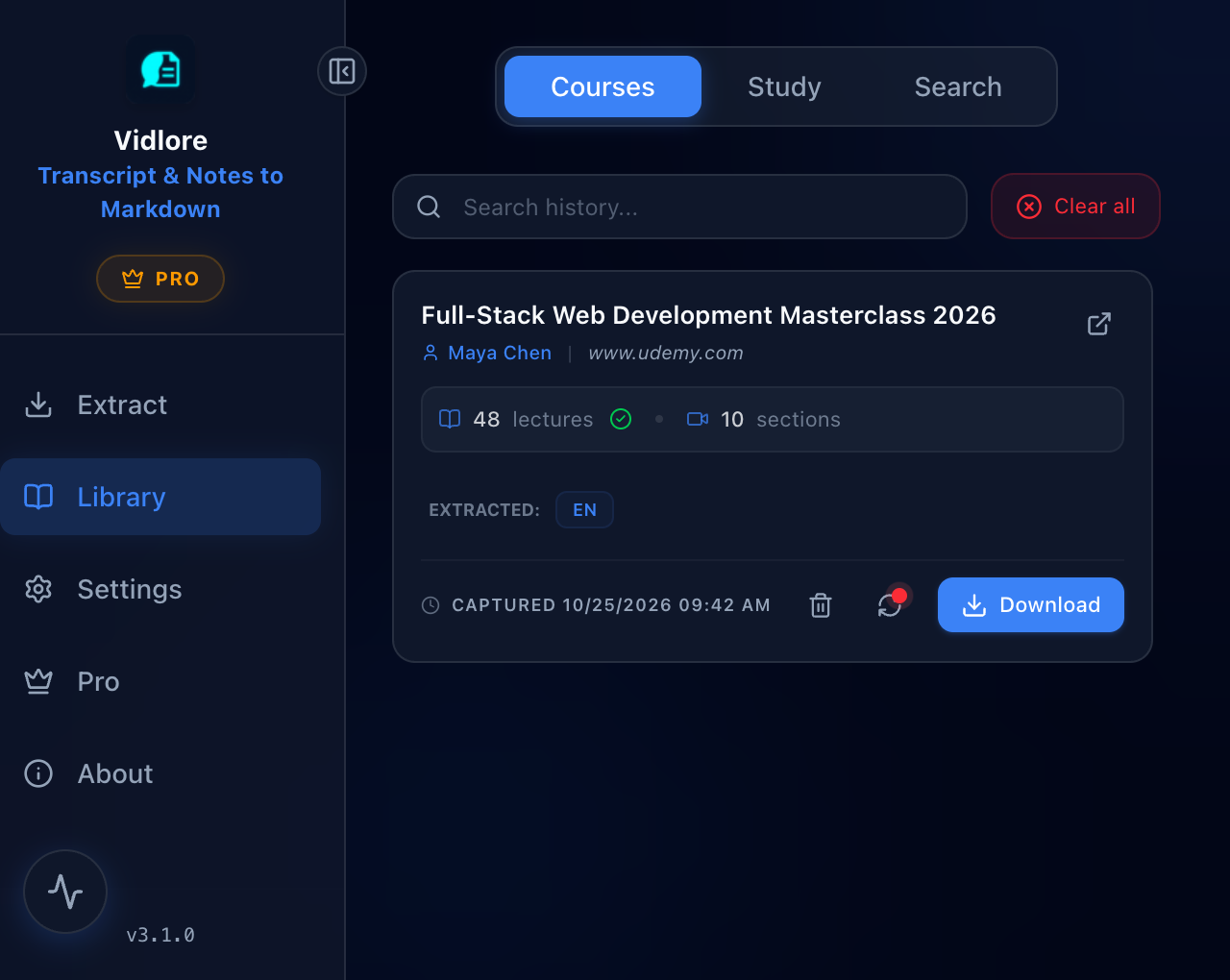
Your course library, notes, embeddings, and search index live in browser storage.
Plans
Cloud AI actions send only the context the action needs to the Vidlore AI service. Vidlore keeps no server-side copy of your course library.
Free
The core local study workflow.
Lifetime Pro
A one-time upgrade that permanently unlocks Pro features and includes base AI quota.
AI Plus
An optional monthly add-on for Lifetime Pro: 600,000 tokens and 600 requests per paid month. Unused quota does not roll over.
Quota top-ups
Optional one-time purchases of AI credits that never expire.
Common questions
Can I export transcripts from my Udemy™ courses?
Yes, for courses you're enrolled in. Extract a course, then export its transcripts and your notes as Markdown or plain text, as one file or as a ZIP that mirrors the course sections.
Where are my courses and notes stored?
In your browser's own storage on your computer. Vidlore keeps no server-side copy of your course library, and search by meaning runs on your device, so what you search for never leaves it.
Does the AI tutor answer from the course?
Yes. Summaries, quizzes, and answers come from the lecture context you select, not from an open-ended chat. Cloud AI actions send only the context that action needs to the Vidlore AI service.
Do I need an API key for the AI features?
No. Cloud AI actions run through the Vidlore AI service. Lifetime Pro includes base AI quota, and AI Plus or quota top-ups add more.
Is Vidlore free?
The core local study workflow is free. Lifetime Pro is a one-time upgrade that permanently unlocks Pro features and includes base AI quota.
Does Vidlore unlock paid courses?
No. It only works with course content you're already authorized to access. It does not enroll you, unlock paid material, or bypass platform access controls.